IntraLLM AI Agents work within the platform as your selected models, reusable Skills, connected tools and workflows—so each specialist can be shaped around your environment and the way your organization operates.
Build Agents around the models and infrastructure available to your organization, with cloud and on-premises deployment options.
Review the instructions, source, supporting resources, connected tools and setup status behind each Skill before making it available.
Add or refine reusable Skills as requirements change while preserving the Agent’s broader role and working method.
General chat asks users to define the job as they go. AI Agents preserve the role, working method and available capabilities, so each request begins with the right setup already in place.
Input Required:
Configured:
User Input:
Start with an available Agent or create one around the work your organization needs to support.
Each Agent brings a defined role and way of working into Chat.
Explore examples created for different kinds of work.
Draft, polish and reply to prose and email.
Plan, write and self-test code with file outputs.
Run multi-step investigations and produce sourced findings.
Explore multiple directions, then develop the strongest.
Sort forwarded email into a customer deal or supplier prices
Carry longer tasks through progress and completion checks.
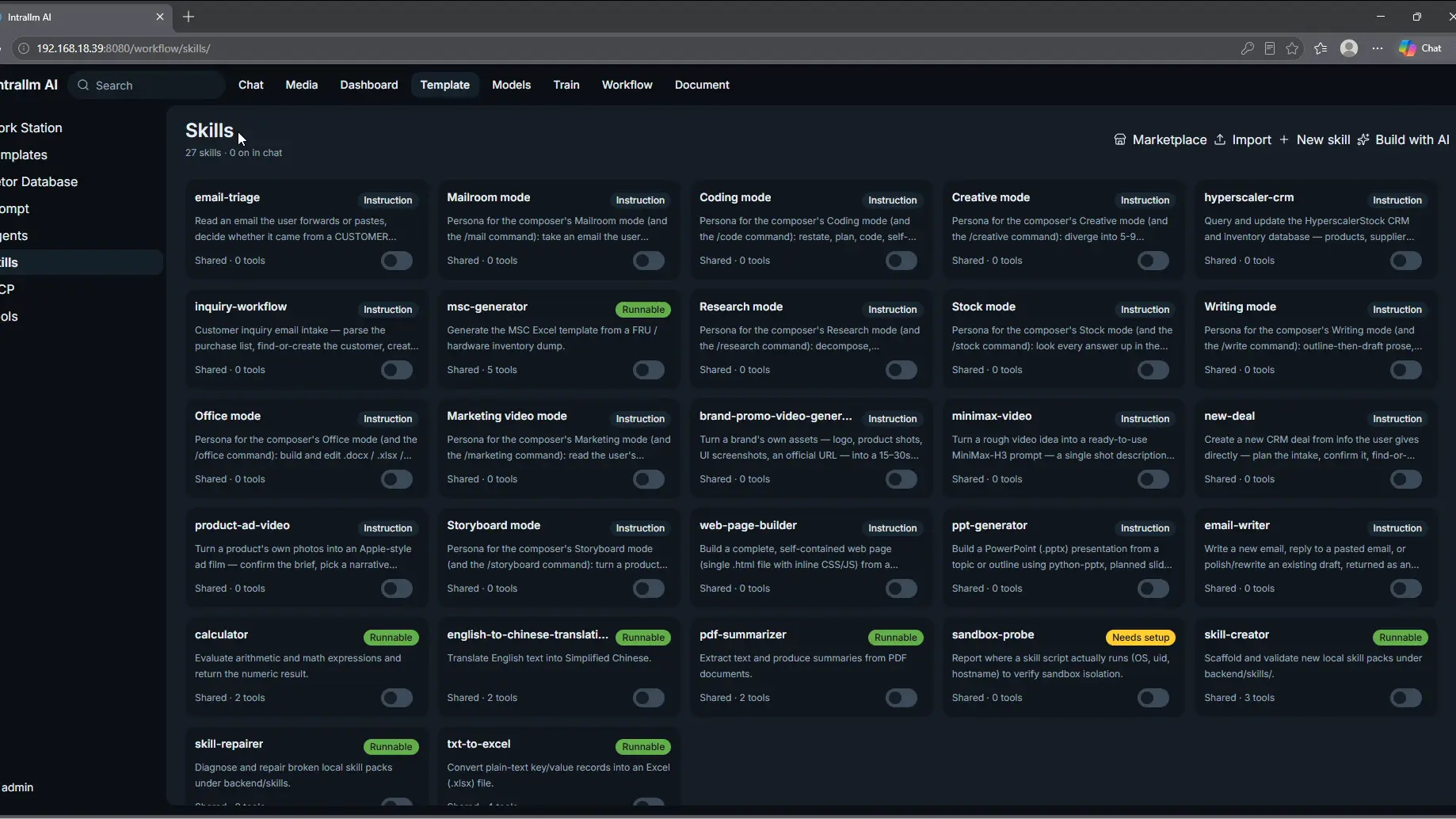
Skills package the instructions, resources and tools needed for specific tasks. Add them to Agents without rebuilding the entire specialist.
Turn brand assets into a structured promotional video concept.
Move from model selection and training to repository management and practical use within one platform.
Diagnose and repair broken local skill packs under backend/skills.
Query and update stock CRM and inventory database.
Extract and summarize information from PDF documents.
Convert plain-text key/value records into a structured Excel file.