When model discovery, setup and training happen in separate systems, platform teams have to track the same model across multiple tools.
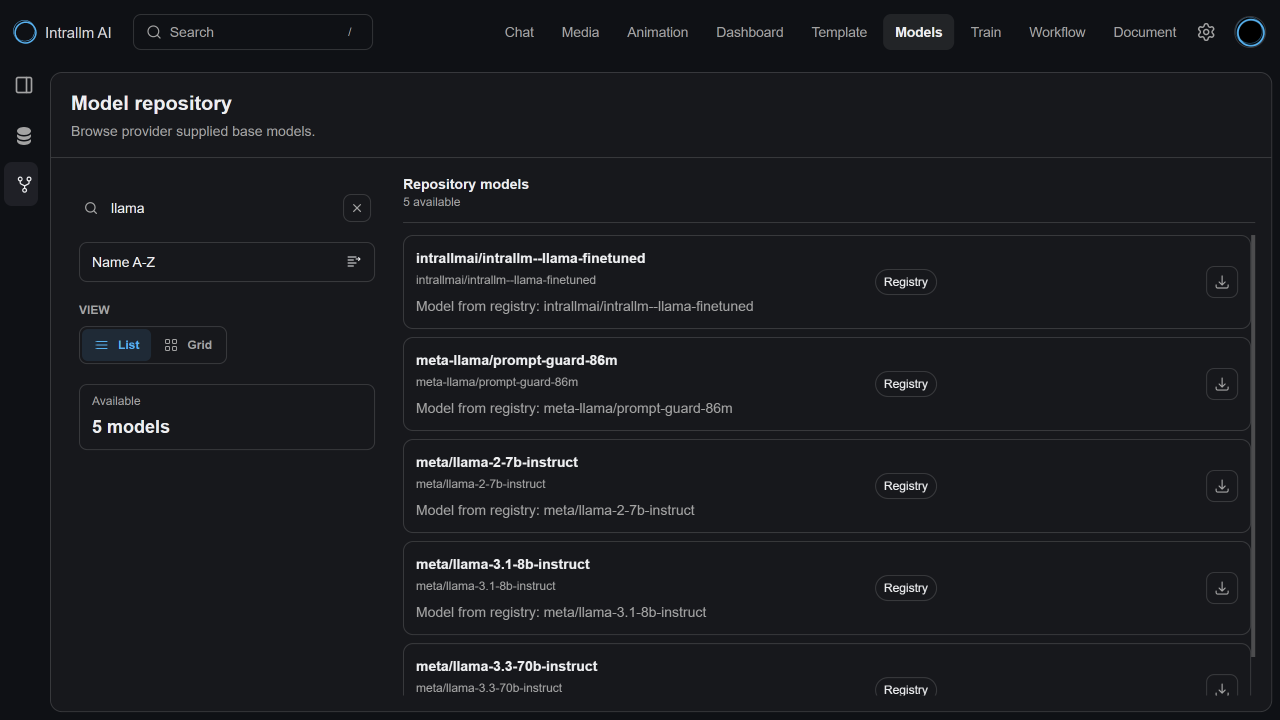
IntraLLM connects these stages inside the workspace while keeping the wider catalogue separate from the models your organization has chosen to use.
Review the models available through your deployment and add only those that meet your requirements.
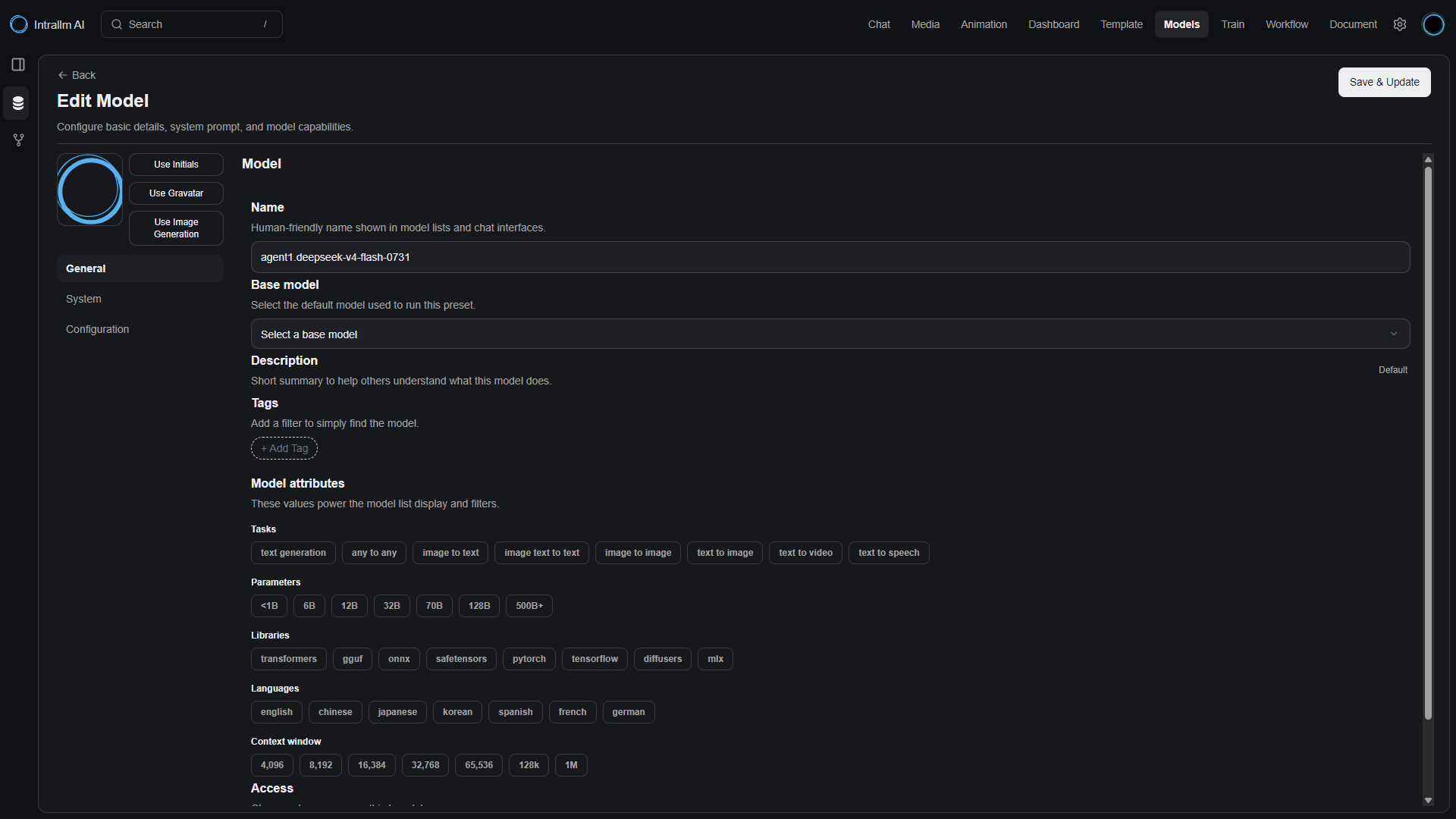
Manage instructions, generation settings, documents, tools and visibility as part of the model’s local configuration.
Take a compatible model into GPU training when instructions and connected knowledge are not enough.
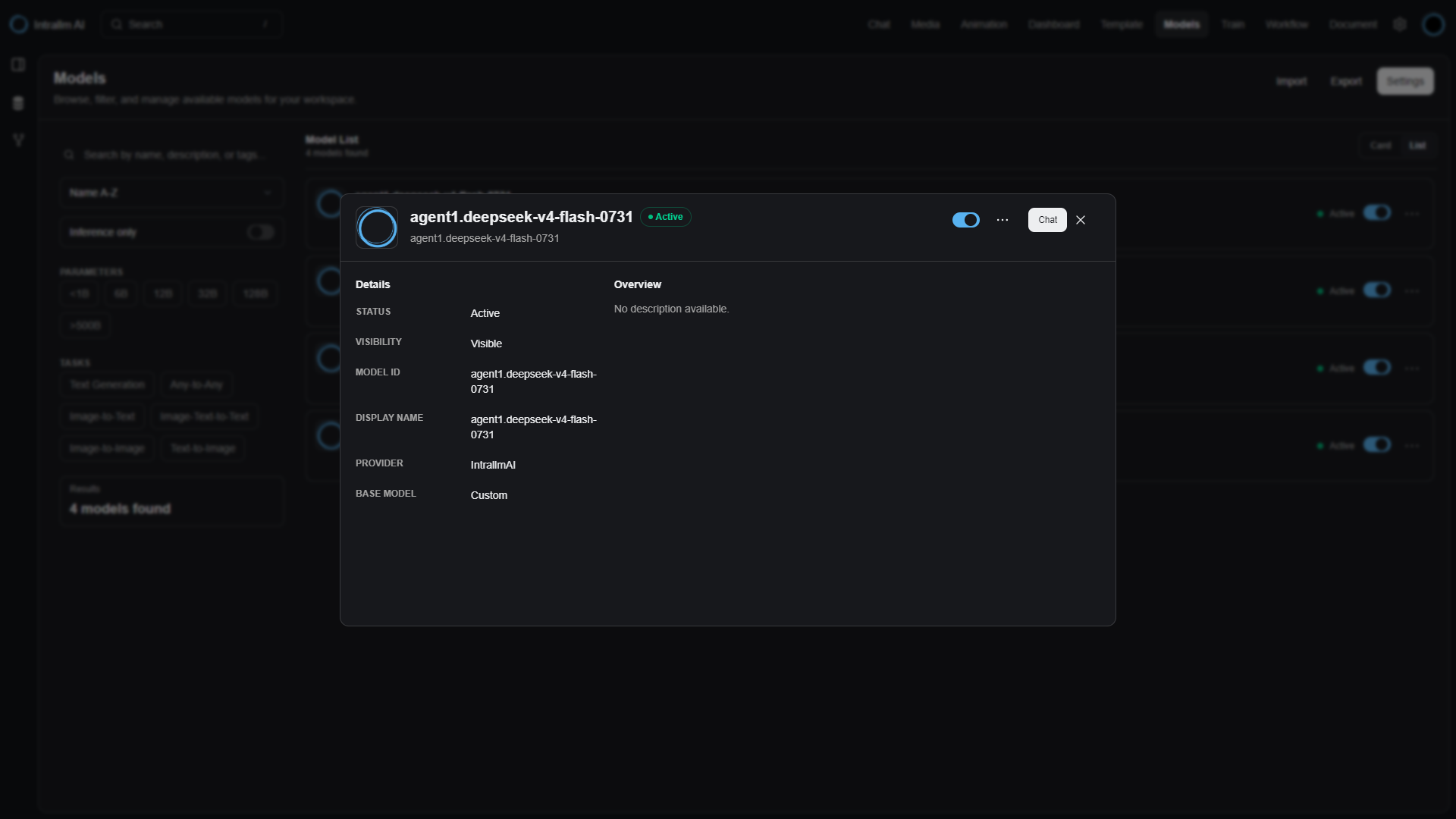
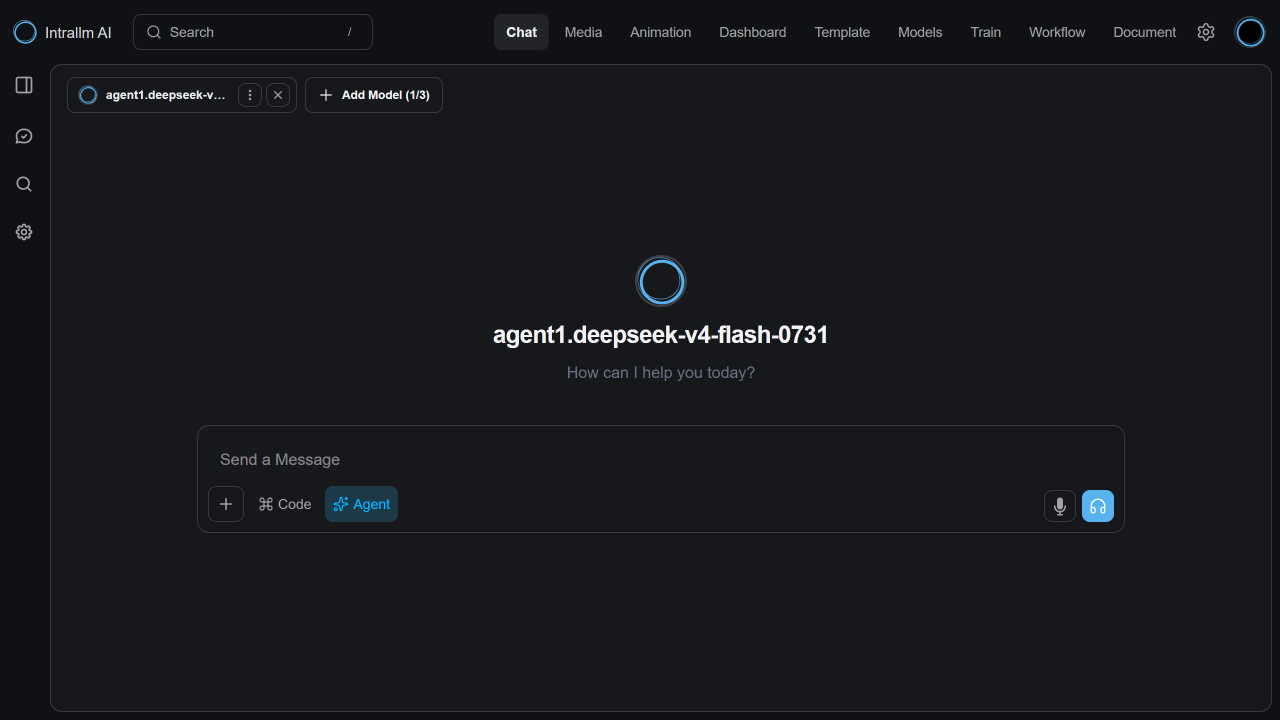
The journey begins in Model Hub and continues through Local Models. A configured model can move directly into use, while a compatible model can branch into Training before returning to the managed collection.
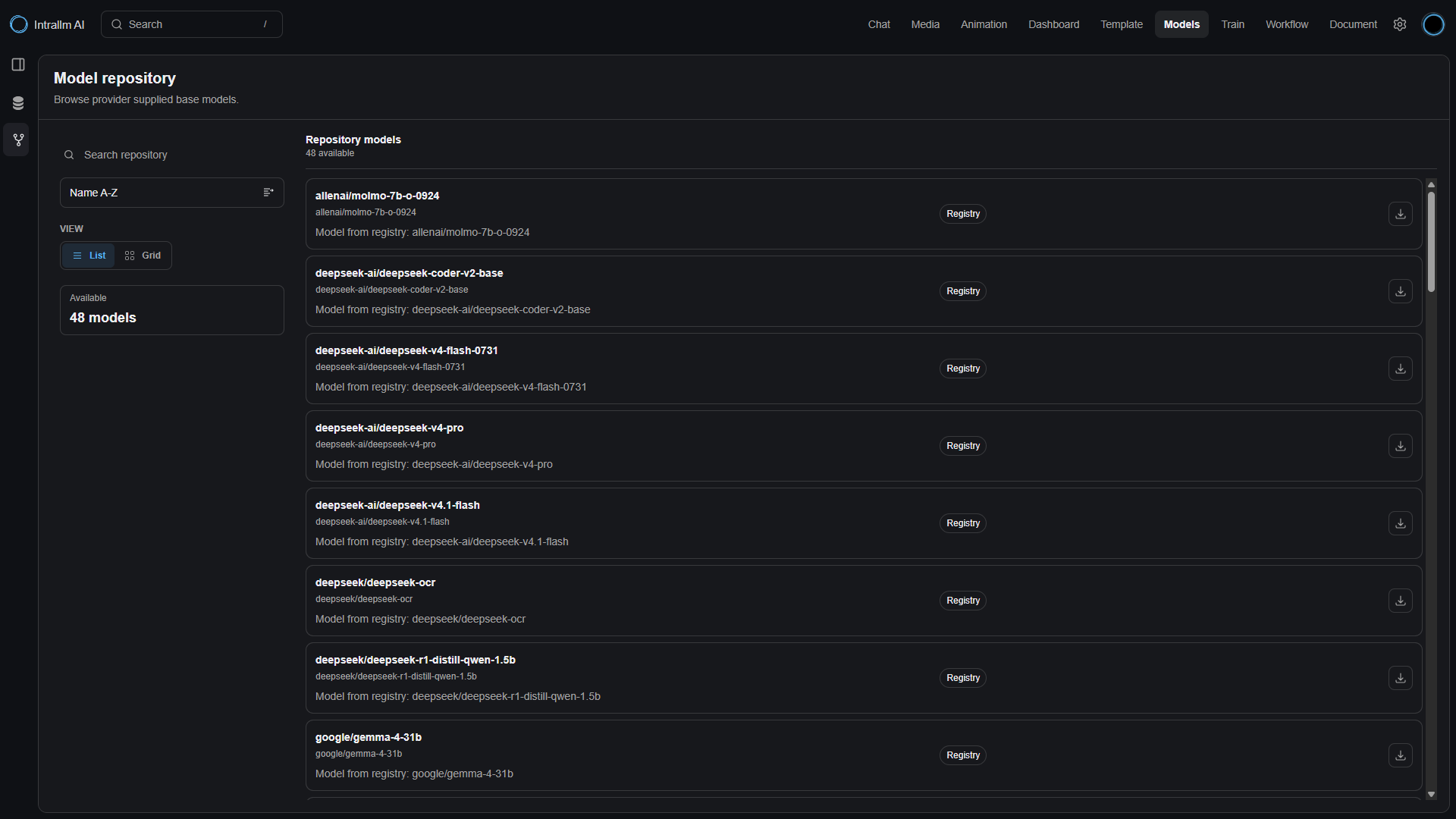
Connect IntraLLM to the providers and registries configured for your deployment, then use your available GPU resources for compatible training runs. Your platform team decides which models enter the workspace and when users can access them.