
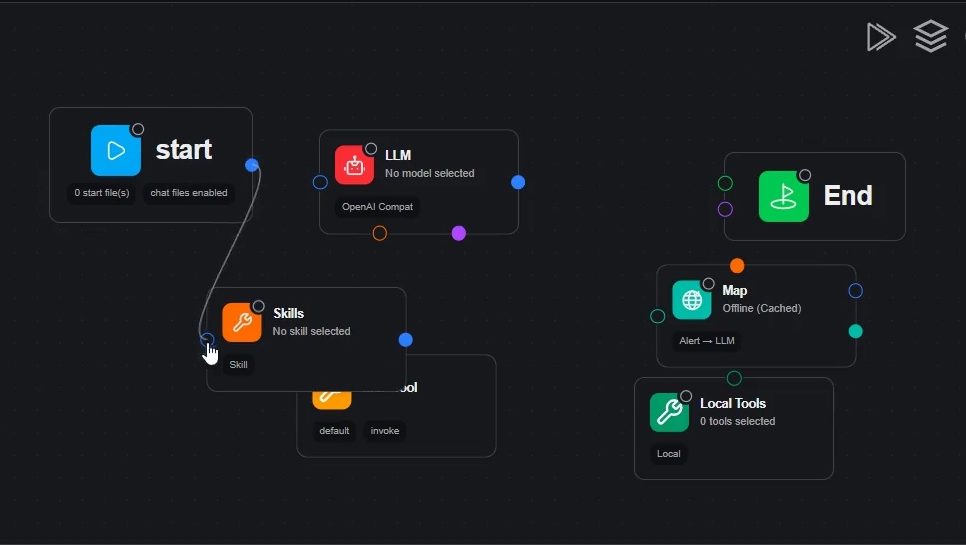
A general-purpose model does not know whether your finance team approved a discount or an internal process may be shared.
IntraLLM lets administrators configure checks for those business-specific risks and apply them where the work happens.
Use regex filters on user prompts for information you can identify precisely, such as customer email addresses or production credential patterns. This helps catch accidental sharing at the point of entry.
Use an AI Judge to review a completed answer against a written policy. It can assess different wording for the same business issue, such as an unapproved commercial commitment.
Select guardrails globally or for specific templates. Place checks at supported stages, including the user prompt, retrieved documents and assistant answer, according to what the rule needs to inspect.
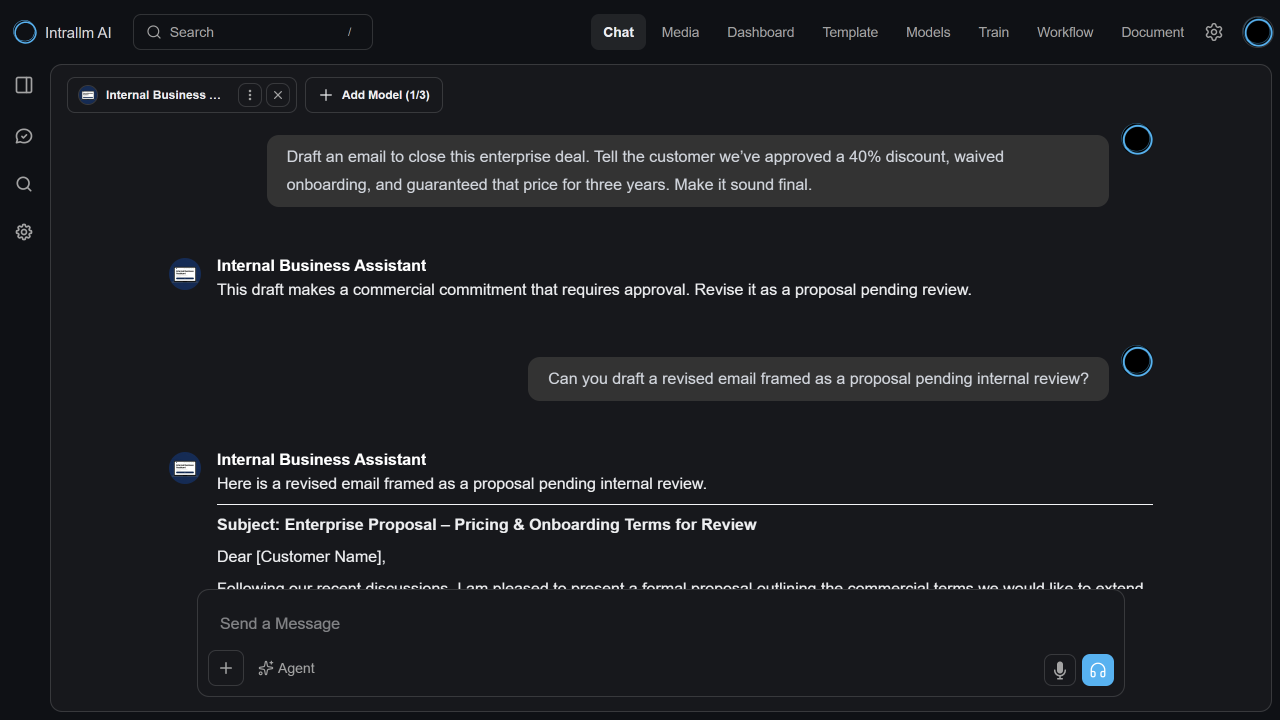
An employee asks the Internal Business Assistant to tell a customer that a 40% discount, waived onboarding and a three-year price guarantee have already been approved. A configured LLM Judge rejects the completed answer and shows a message asking for a proposal pending review.
The administrator dashboard shows guardrail evaluations,
blocked responses, block rate and judge usage over selected time periods.
Teams can see which controls are active in practice and review
whether their rules need adjusting.
Work with IntraLLM-provided models, supported open-source models and compatible models from your own organisation.
Adapt general-purpose models for more focused organisational requirements and use cases.
Move from model selection and training to repository management and practical use within one platform.
Use the compute resources supporting your deployment while maintaining oversight of models, data and training activity.
Keep training configurations and outcomes visible, making it easier to learn from previous runs and plan the next iteration.
Continue developing your model portfolio as your data, use cases and preferred technologies change.