Model Training

Fine-tune AI for the way your organisation works.​

From IntraLLM Model Hub to GPU training — without the infrastructure headache.

Start with an IntraLLM model, a supported open-source model or your own compatible model. Prepare your data, configure the training run and use your available GPU infrastructure to create AI better suited to your organisation’s language, knowledge and objectives.

Why IntraLLM

Turn a capable model into the RIGHT model.

Every organisation has its own terminology, expertise and ways of working. Model Training gives your team a structured environment for adapting supported AI models using relevant examples and datasets.

From initial configuration to the completed result, the workflow remains connected inside IntraLLM. Your team can prepare the run, follow its progress, review the outcome and make the resulting model available for use—all without piecing together a separate training environment.

Adapt models
to your tasks

Fine-tune supported models for more specialised tasks, subject areas and patterns of communication.

Bring together
the workflow

Manage model selection, datasets, training settings, compute and results through one integrated experience.

Build safely
inside infrastructure

Run training using the GPU resources supporting your IntraLLM deployment, with models and data remaining within your managed environment.


AI Model Training Workflow

From model selection to practical use.​

Move through one connected workflow for selecting a model, preparing data,
running GPU training and putting the result to work.

PHASE 01
Prepare

Choose a suitable starting model, organise your datasets and confirm the inputs before allocating GPU resources.

01

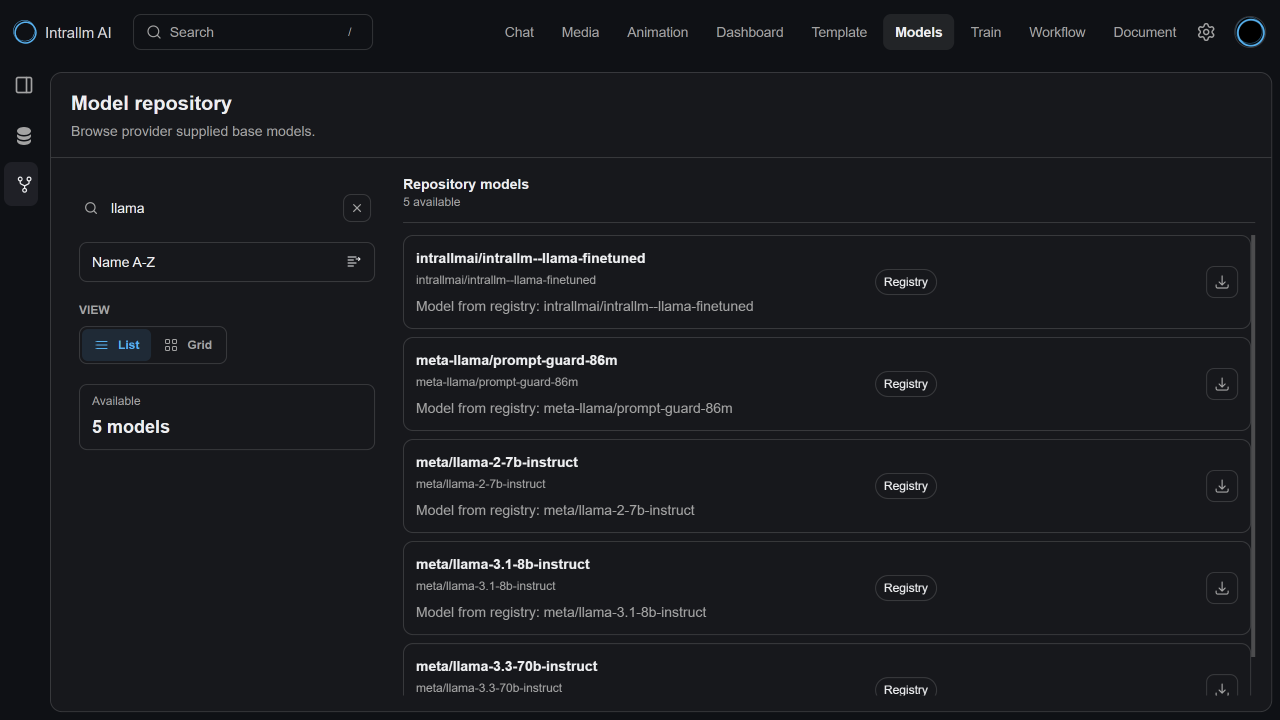
Choose your starting model

Begin with the model that best fits the task.

Select from IntraLLM Model Hub, supported open-source models, or compatible models developed by your organisation. This flexibility allows each training project to begin with the right balance of capability, size and resource requirements.

02

Prepare and organise your datasets

Turn your organisation’s content into training-ready data.

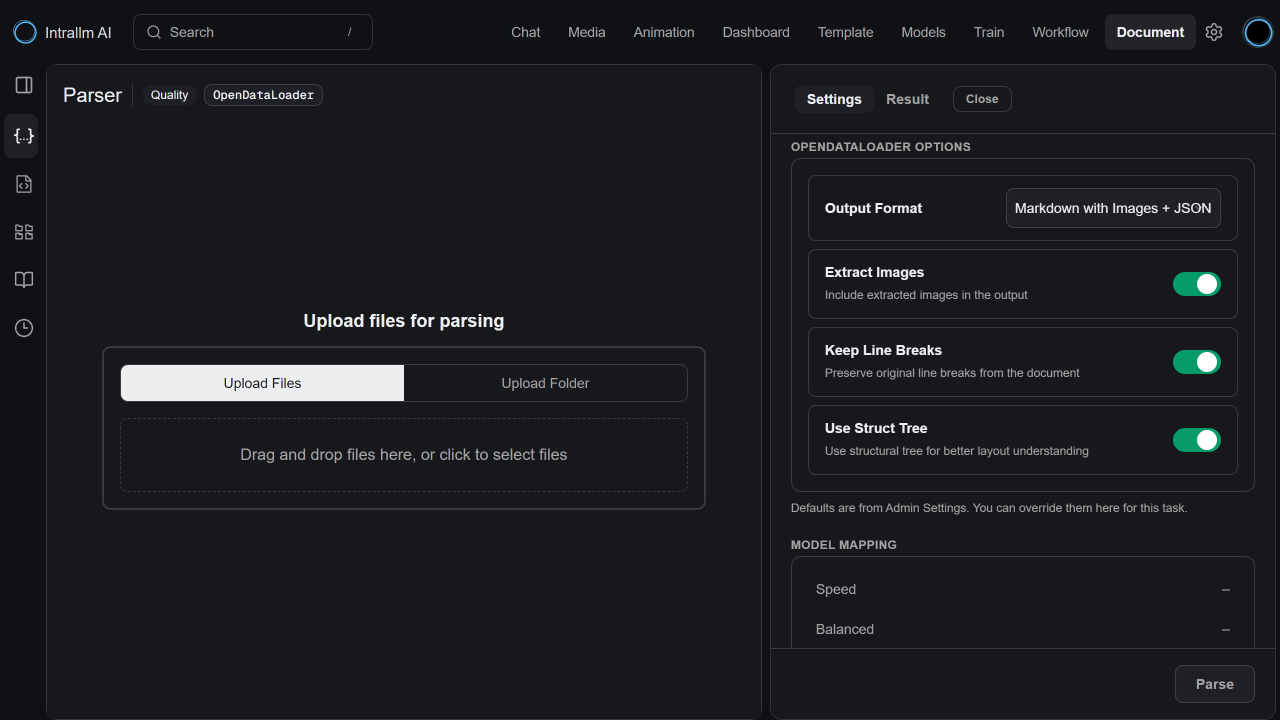
Upload individual dataset files or use containers to organise related files for a particular model, project or use case. Source documents can be parsed and transformed into structured outputs, with controls for preserving document structure, extracting images and retaining relevant formatting.

03

Select your training data

Bring the right data into each training run.

Choose a prepared dataset file or supported dataset container for training, then add separate validation data when required. Clear selection and status information helps your team confirm the inputs before committing compute resources.

PHASE 02

Train

Configure the run, launch it on available GPU resources and monitor progress from the IntraLLM workspace.

04

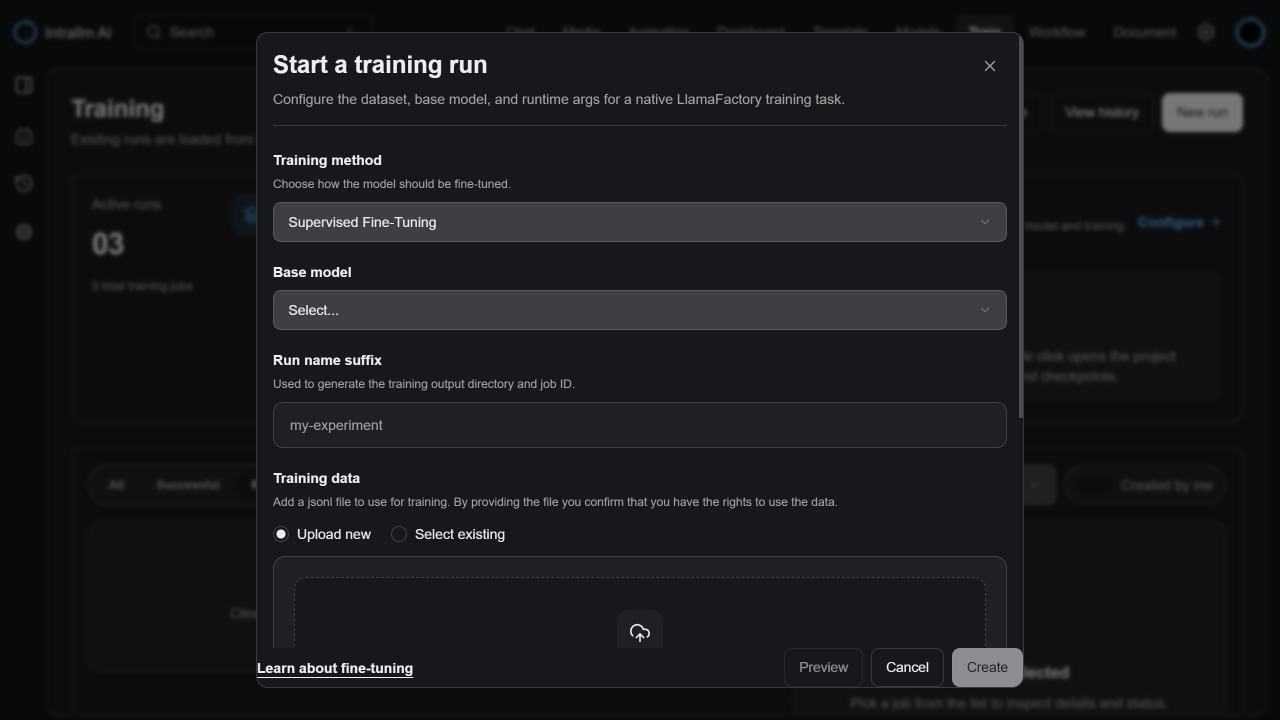
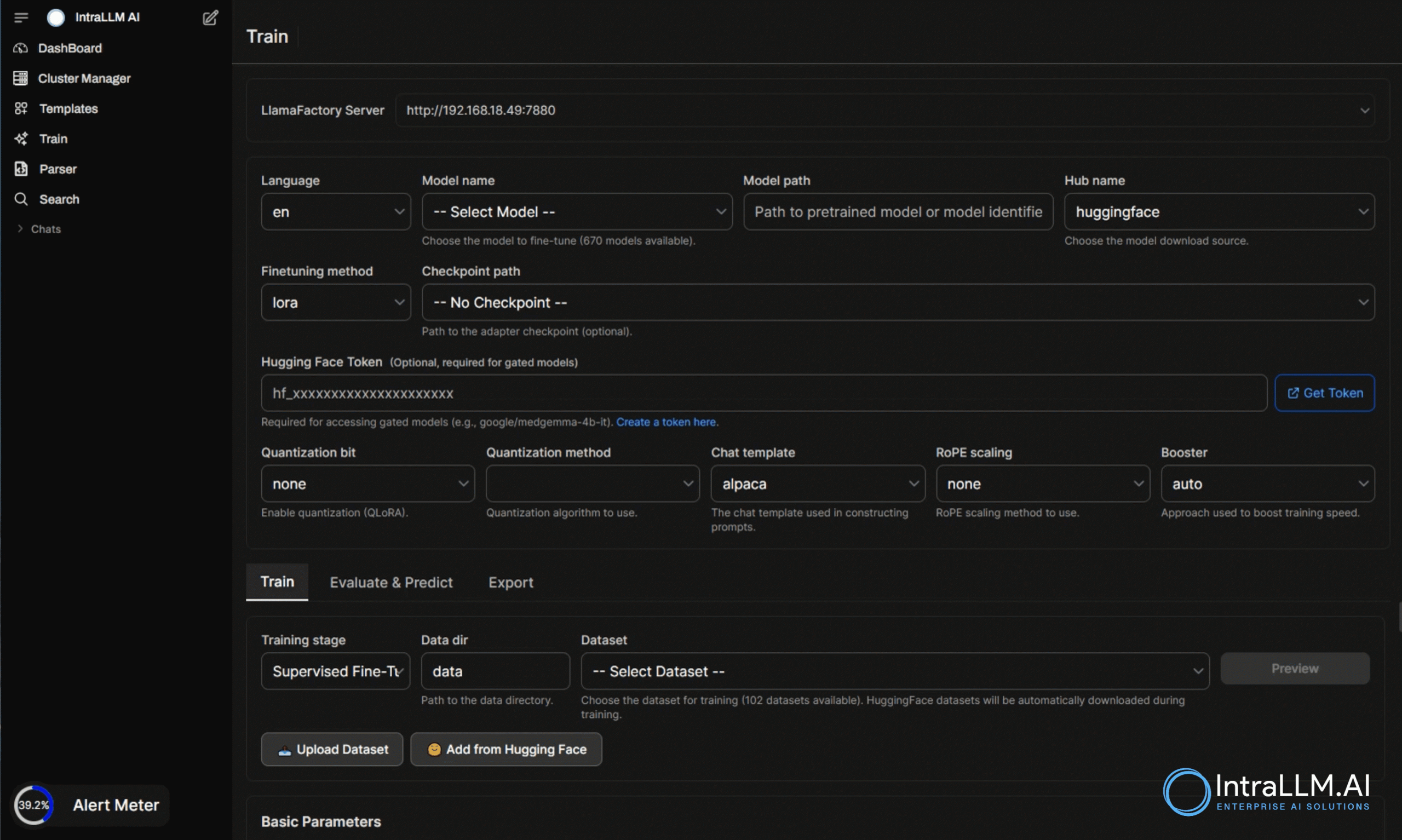
Configure the run

Set up training with greater clarity.

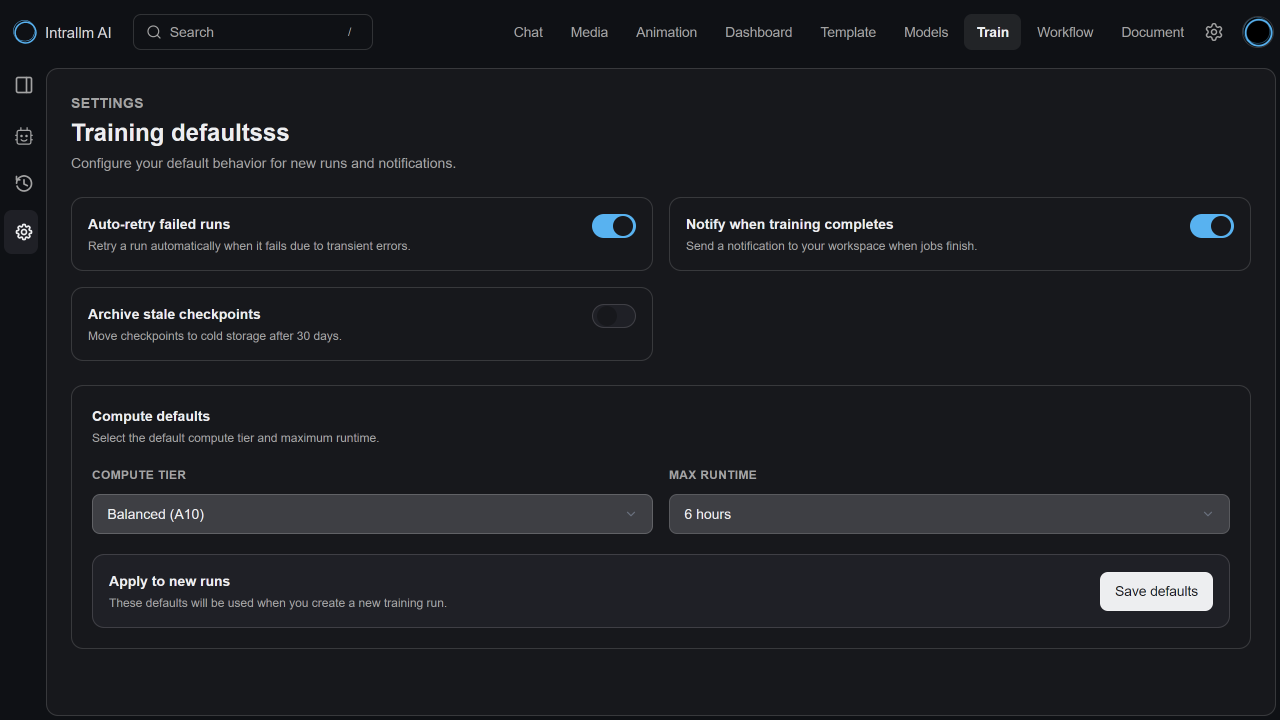
Adjust the training parameters, runtime options and compute configuration according to the model, dataset and intended outcome. The workspace presents the essential controls in one place, making each run easier to prepare, understand and repeat. 

05

Follow the training process

See what is happening as the model develops.

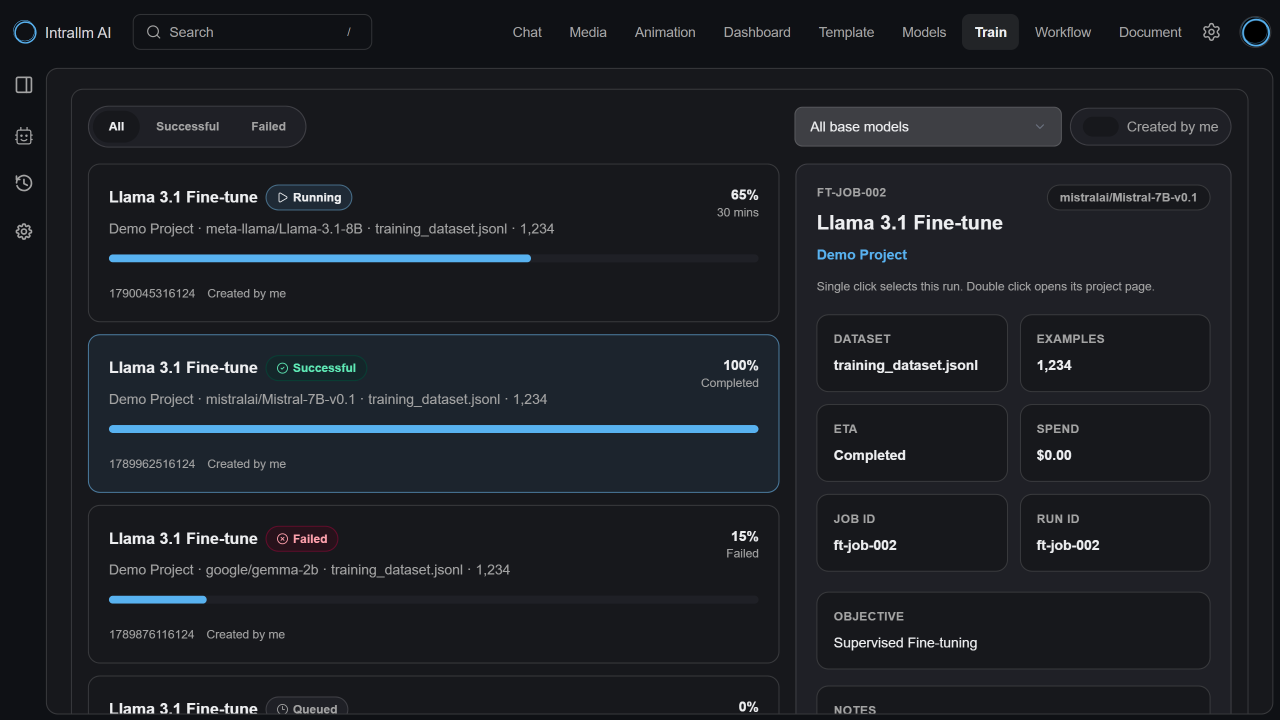
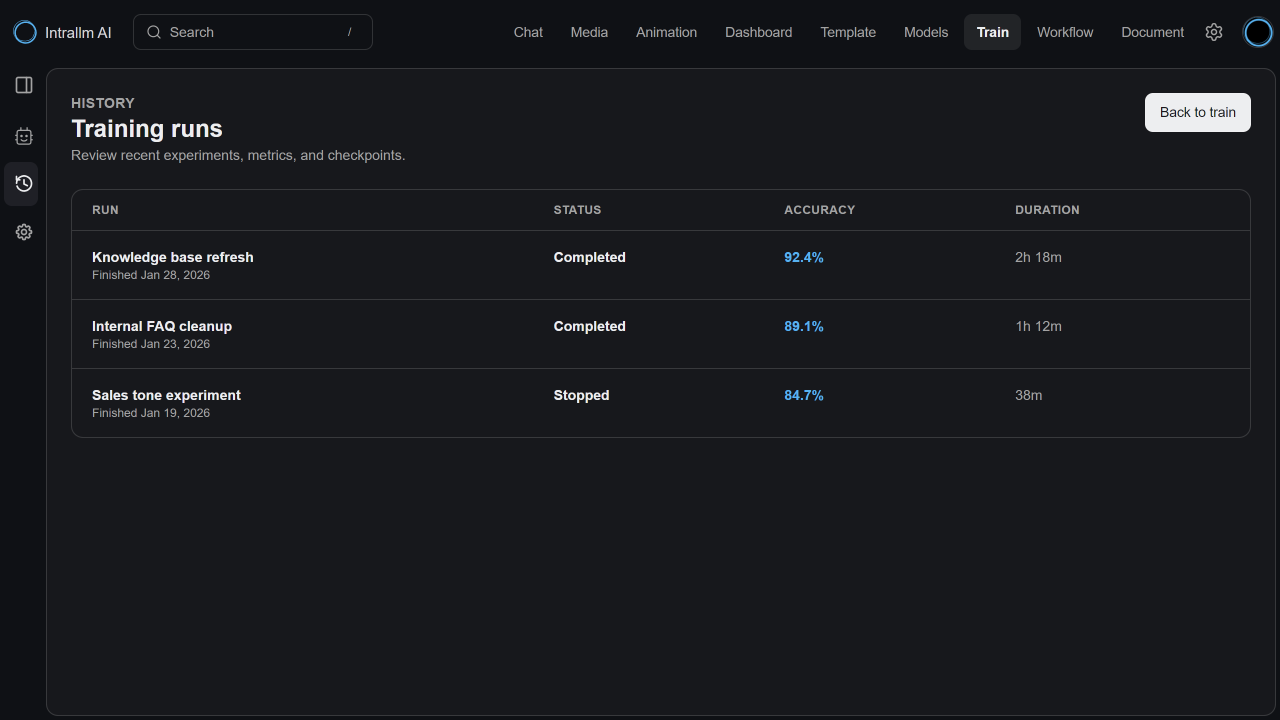
Track the run from the platform, review its current status and inspect the available training information as the job progresses. Training history also provides a useful record of previous runs and configurations.

PHASE 03

Apply

Review the completed run, save the resulting model to Model Hub and make it available in IntraLLM Chat.

06

Review, save and use

Move smoothly from training to application.

Once training is complete, review the training details and recorded outcomes. Save the resulting model to the Model Hub, make it available within the appropriate workspace and select it for use in IntraLLM Chat. 

After Training

Your models,
connected across the platform.

Save to Model Hub
Maintain trained models alongside the other models available to your organisation.
Review training outcomes
Return to the run configuration, training details and recorded results when evaluating the model or planning another iteration.
See the result in Chat
Trained model available in IntraLLM Chatbot so authorised users can interact with it through a familiar interface.
Continue improving
Learn from each result to refine the dataset, adjust the configuration and begin the next run.
Features

More freedom to develop the AI you need

Model Training is part of the wider IntraLLM experience.
The outcome is not left isolated in a training environment:
it becomes a model that can be managed,
accessed and used through the platform.

Flexible model choice

Work with IntraLLM-provided models, supported open-source models and compatible models from your own organisation.

Purposeful customisation

Adapt general-purpose models for more focused organisational requirements and use cases.

Connected model lifecycle

Move from model selection and training to repository management and practical use within one platform.

Greater operational control

Use the compute resources supporting your deployment while maintaining oversight of models, data and training activity.

Repeatable experimentation

Keep training configurations and outcomes visible, making it easier to learn from previous runs and plan the next iteration.

A foundation
that can evolve

Continue developing your model portfolio as your data, use cases and preferred technologies change.

Simplified Model Training

From fragmented setup to
one training workflow

IntraLLM brings model selection, configuration, GPU compute and monitoring into one connected workspace.

Model training with IntraLLM

Traditional Model Training

Designed for teams

Building practical AI capability

Model Training supports the people responsible for turning AI strategy into something useful and sustainable.

AI and machine-learning teams

Prepare fine-tuning runs, evaluate outcomes and develop models for more specialised requirements.

Developers and solution teams

Connect trained models with the applications, assistants and experiences being developed across the platform.

IT and platform teams

Provide model-training capability through an environment connected to the organisation’s existing deployment and compute resources.

Technology leaders

Develop internal AI capability with greater flexibility over model choice, infrastructure and future direction.