
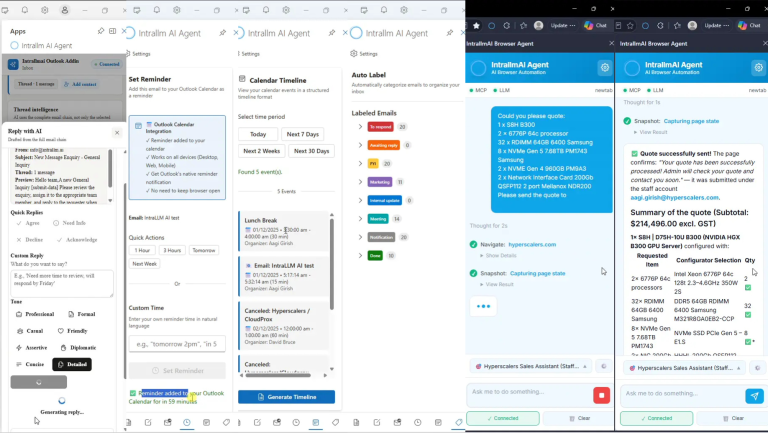
A customer enquiry needs a clear reply. An email needs a follow-up. A product request means navigating pages and selecting the right options. Small tasks like these fill the working day.
IntraLLM AI Extension Agents bring assistance directly to those moments, helping your team understand information, prepare communication and carry out browser actions.
Get assistance grounded in the information available within the application, with less need to copy content or explain the task again.
Describe what you need in plain language. Let the agent use your direction and the available context to help move the task forward.
Get help preparing content and carrying out supported actions, while keeping the ability to review, refine and guide the work.
Get a clearer view of incoming email and the conversations behind it. From morning briefings to full-thread summaries and tailored replies, IntraLLM helps you catch up and respond with confidence—all inside Outlook.
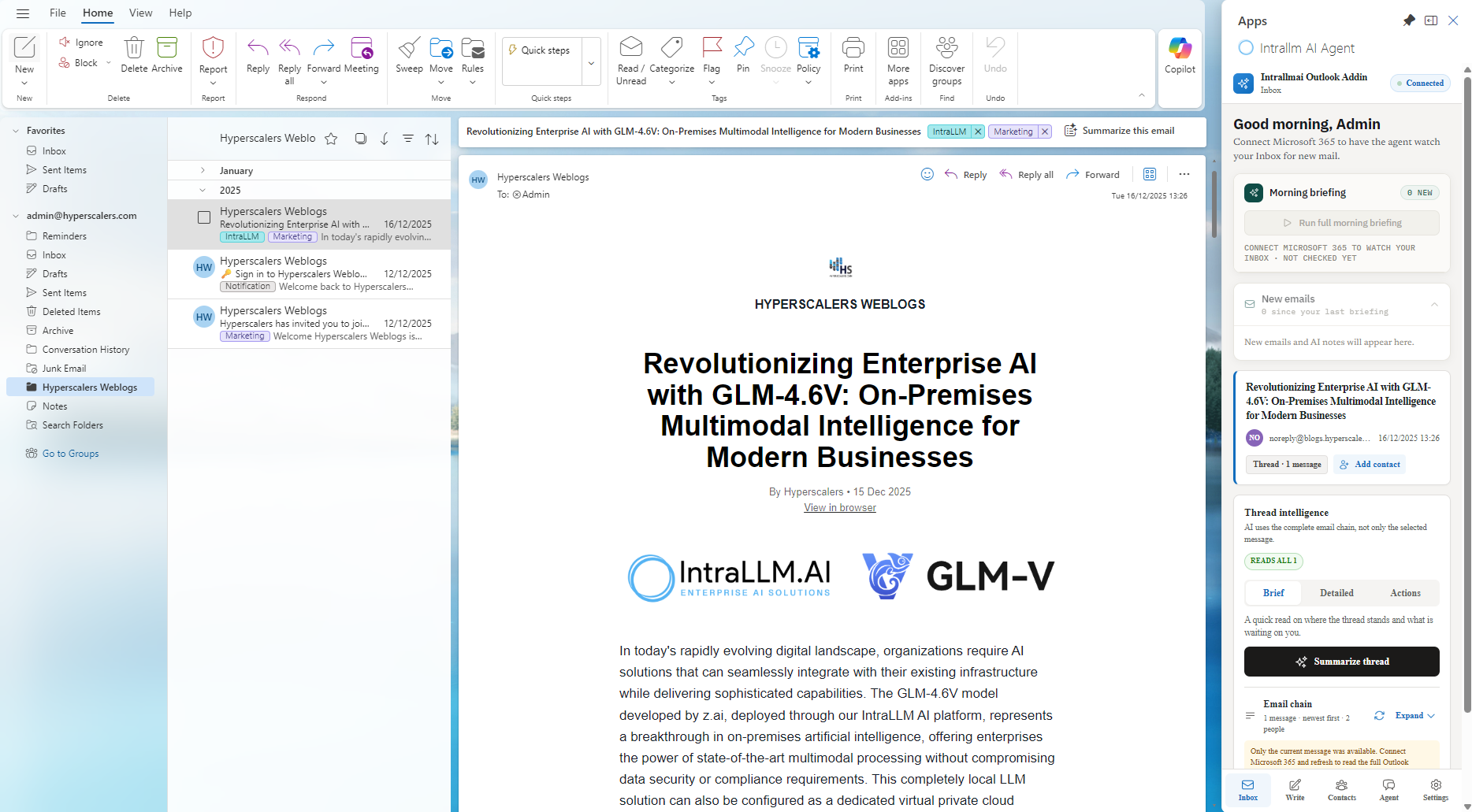
Bring clarity to conversations and consistency to your responses. IntraLLM helps your team understand incoming email, prepare context-aware replies and keep follow-ups moving.
Stay on top of incoming email with new-message monitoring and morning briefings that bring messages and AI notes together.
Catch up on complete email conversations with Brief, Detailed and Actions views.
Prepare replies using the conversation as context. Choose a reply intention or provide your own instructions, then adjust the tone and length.
Identify the purpose of incoming messages with AI classification and supporting explanations, helping teams handle recurring correspondence consistently.
Apply organisation-specific rules, validate response templates and extract key email details to support structured reply preparation.
Support scheduling and reminder-related workflows to help turn email conversations into next steps.
Open the extension from your working tab and describe the outcome you need.
The Browser Agent plans the steps, interacts with supported pages and carries relevant information forward as the task progresses.
Start the agent within the current browser tab or signed-in applications. It works through the browser interface without directly accessing your cookies or credentials.
Describe the result in plain language. The agent can determine which pages and browser actions are needed as it works towards the goal.
Navigate, click, hover, type, select, scroll and drag through supported interfaces using the same application-level controls available in the browser.
Agent-focused accessibility snapshots and screenshots help the agent interpret the current page, observe the result of an action and choose its next step.
Retain relevant information while moving between pages, enabling research, comparisons, form completion and final summaries within the available model context.
Progress through the task independently and return control when missing information, a blocker or a decision requires the user’s attention.
Research, comparison, data entry and case handling often require people to move information across pages and systems one step at a time. IntraLLM Browser Agent carries out supported browser work from a plain-language goal—helping teams reduce repetitive effort, complete recurring processes more consistently and reserve human attention for decisions, exceptions and higher-value work.
Compare compatible products across approved suppliers, review specifications, availability and warranty terms, then configure the preferred option for purchase.
Visit company websites, collect relevant business information, update lead records and provide a summary of completed work, missing details and blockers.
Start from a support ticket, navigate the related customer, order and service pages, then bring the relevant information together for the next action.
Review information across supplier, purchasing and finance pages, retain the relevant figures and identify records that do not match.
Work through familiar application, registration and data-entry processes using a simple instruction or a customised repeatable workflow.
Combine Browser Agent with customised model to review visible information against organisation-specific requirements.