Every model response, workflow and automated task depends on the compute environment behind it. When cluster health and resource signals are difficult to interpret, platform teams can lose time establishing whether an issue belongs to the AI experience, the workload or the infrastructure beneath it.
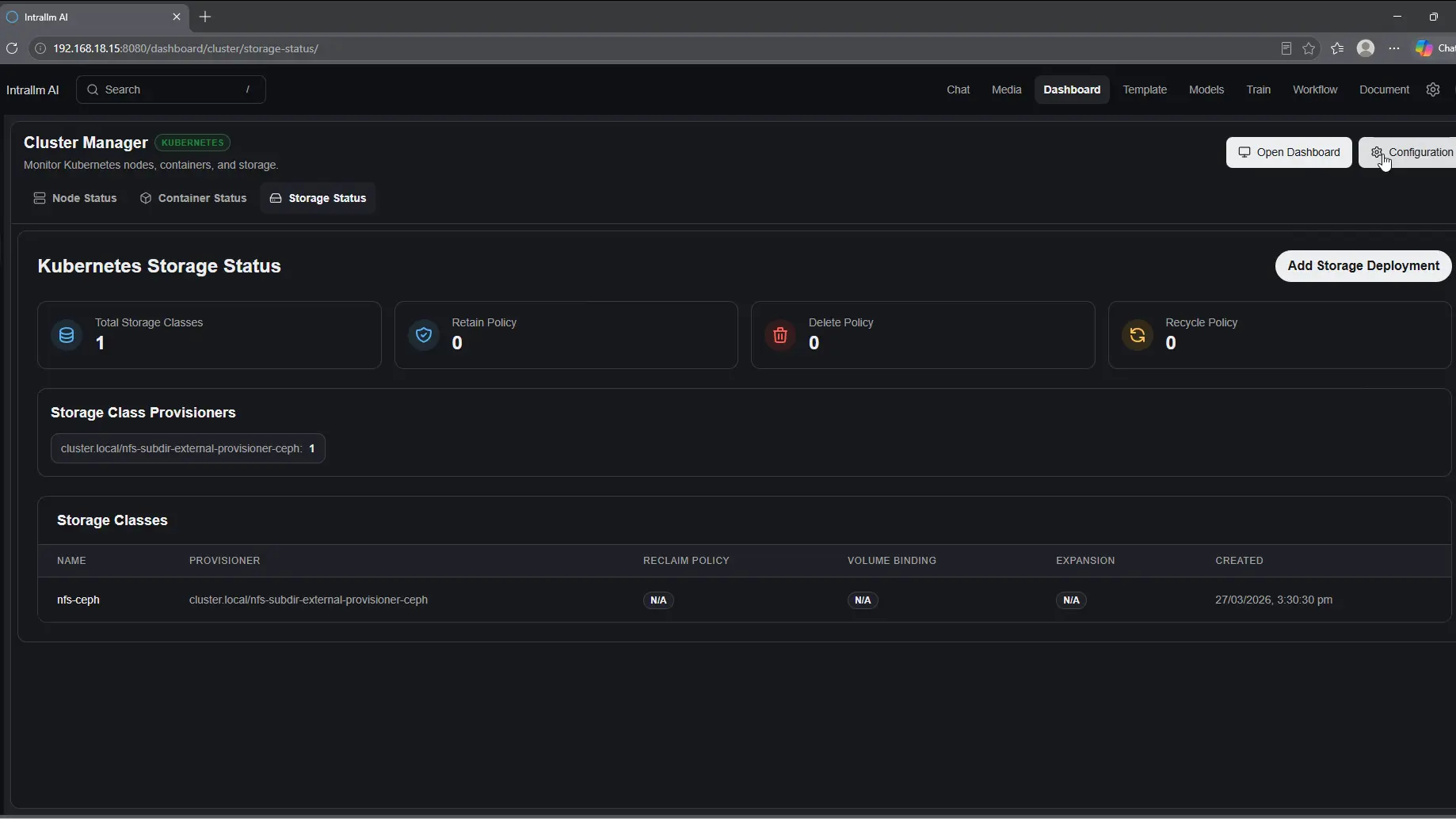
IntraLLM Cluster Manager brings essential cluster and node information into a shared view. Administrators can check availability, compare resource usage and identify nodes that appear inactive or under pressure—creating a clearer starting point for investigation and planning.
Start with a concise view of cluster availability and node state before moving into the details that may require attention.
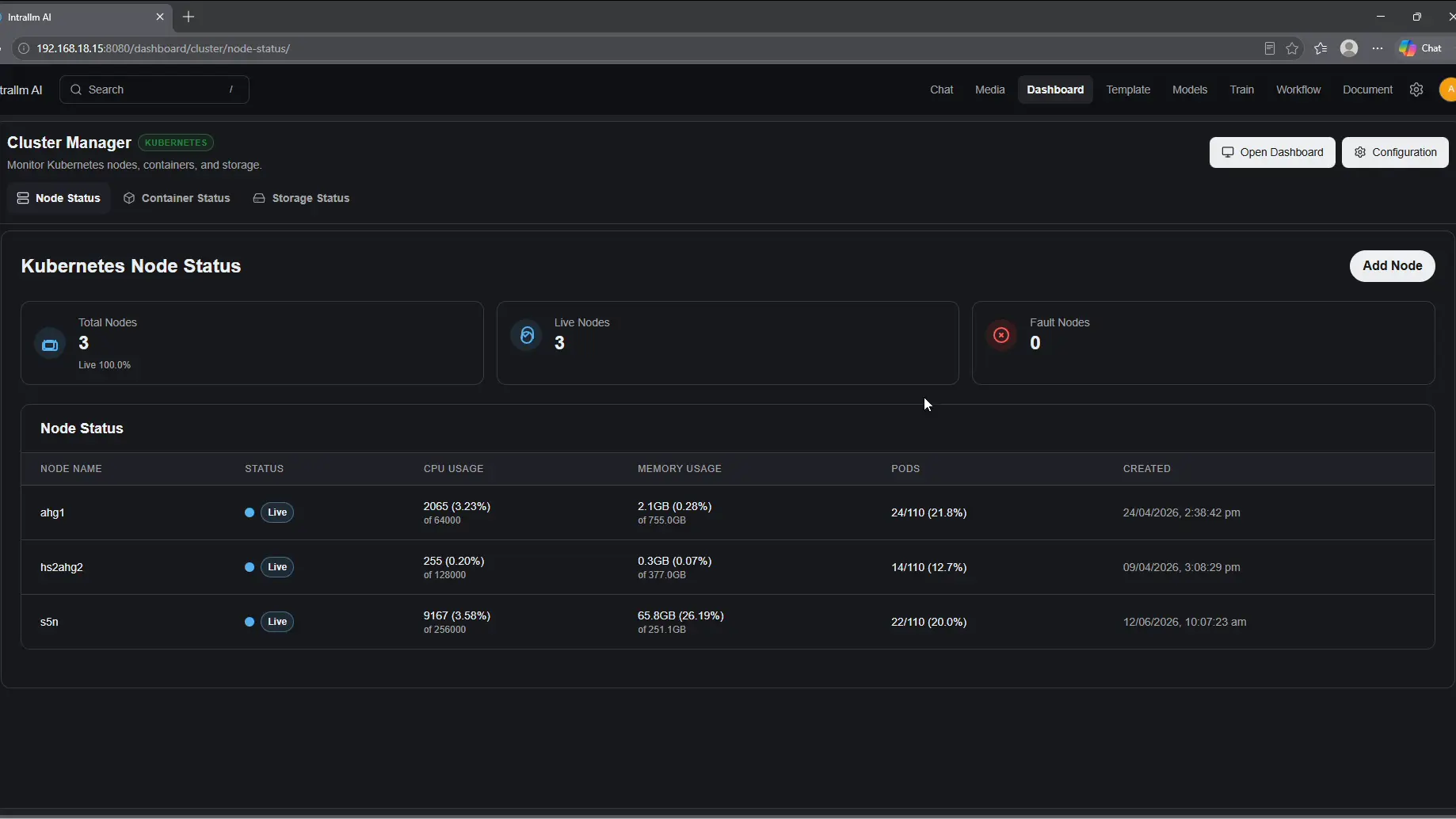
Compare CPU, memory and workload usage across nodes to see how available resources are being consumed.
Use regularly refreshed infrastructure information to support day-to-day decisions and longer-term capacity conversations.
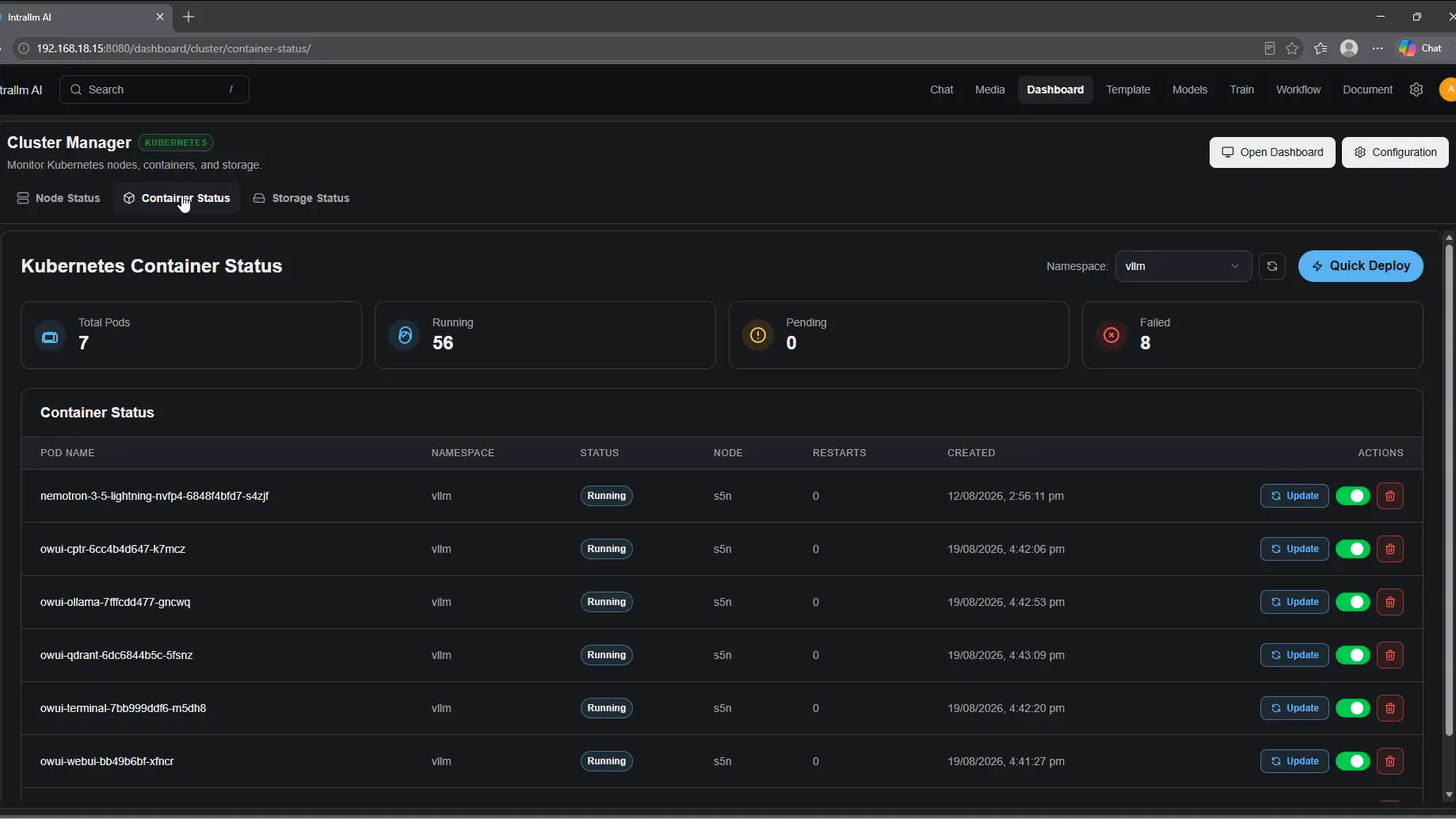
Cluster Manager brings the essential signals behind your IntraLLM environment into one operational view. Move between overall cluster health, node-level utilisation and workload activity to understand what is running, where resources are being used and what may require attention.
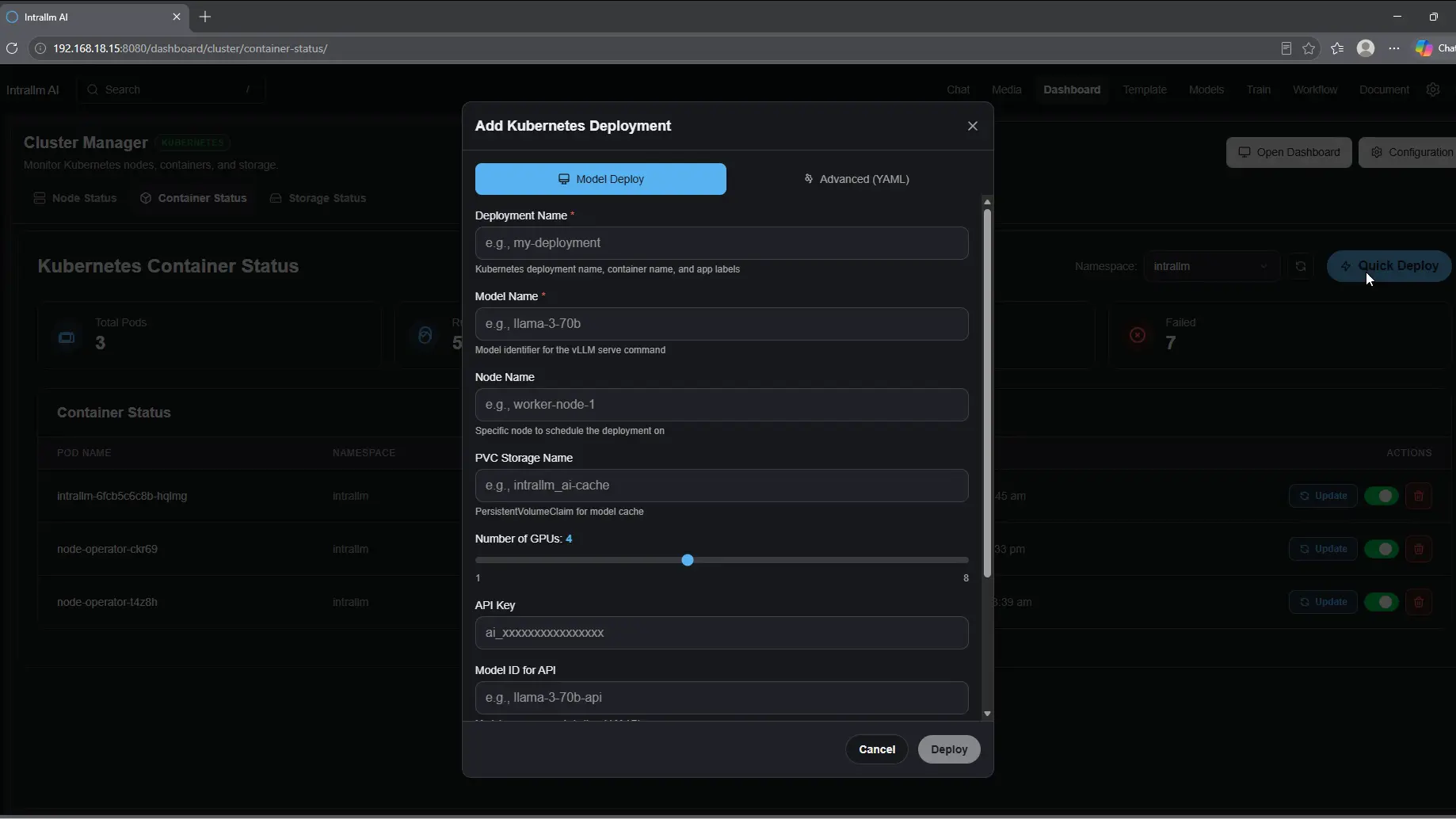
Cluster Manager connects the platform experience to the infrastructure supporting it.
Instead of beginning every operational question with fragmented infrastructure checks,
teams can start from the same view of node health, capacity and workload activity.
Review the availability of the compute environment supporting IntraLLM from a concise operational dashboard.
See the current operational state of each listed node and identify infrastructure that may be inactive or require attention.
See the number of running pods or workloads associated with a node and relate activity to available resources.
Compare CPU capacity and usage to understand how processing resources are being consumed across nodes.
Review memory capacity and usage alongside CPU information for a more complete picture of resource pressure.
View how long a cluster or node has been active, adding useful context to its current operational state.
Confirm cluster availability, node state and resource usage as part of routine IntraLLM operational oversight.
Use node-level status, CPU, memory and workload context as a starting point when a service appears unavailable or slow.
Compare resource usage across nodes to recognise potential constraints and support evidence-based capacity discussions.
Review the current compute picture before teams introduce or expand resource-intensive models, workflows or automated processes.